Rocket Blog
Top Highlights

Category
- 1Password 1
- AI 4
- AirPods 2
- AirTag 1
- Apple Intelligence 1
- Apple News 2
- Apple Pros 14
- Apple TV 1
- Apple Watch 1
- Apple Watch Series 12 1
- Apple Watch Ultra 4 1
- AppleScript 1
- Article 11
- Calendar 1
- Claude 1
- Explainer 4
- Finder 1
- Hardware 1
- HomePod 1
- How-To 3
- Image Playground 1
- Liquid Glass 1
- M5 Max 1
- M5 Pro 1
- M5 Ultra 1
- M6 1
- Mac 7
- Mac Studio 1
- Mac mini 1
- MacOS 3
- Microsoft Office 365 1
- Monterey 1
- News 4
- PDF 1
- Photos 1
- Reminders 1
- Security 8
- Shortcuts 1
- Siri 1
- Software 5
- Tip 3
- Tips & Tricks 11
- Vision Pro 1
- WWDC 1
- Windows 1
- buying 1
- customization 1
- hardware 3
- iMessage 1
- iOS 27 1


New Apple Creator Studio Bundles Pro Apps
Apple’s new Creator Studio bundle includes Final Cut Pro, Logic Pro, Pixelmator Pro, and more—plus premium content and AI features in the iWork apps—for $12.99/month or $129/year. Don’t worry—Keynote, Pages, and Numbers stay free for existing features.

How to Ensure You Don’t Miss Reminders
Apple’s Reminders app offers more than simple notifications—from location-based alerts to the new alarm feature in iOS 26.2, here’s how to make sure you never miss an important task.

Be Very Careful with AI Agents!
AI agents like OpenClaw promise to automate tedious tasks, but recent security vulnerabilities highlight the dangers of using them. Learn the risks and how to protect yourself—and your organization—if you choose to use an agent.

Why Your Windows Reopen (Or Don’t) As You Expect
Frustrated when your Mac apps don’t remember their windows—or when they stubbornly reopen old documents? Two little-discussed settings control this behavior. Here’s how Apple’s Resume technology really works.
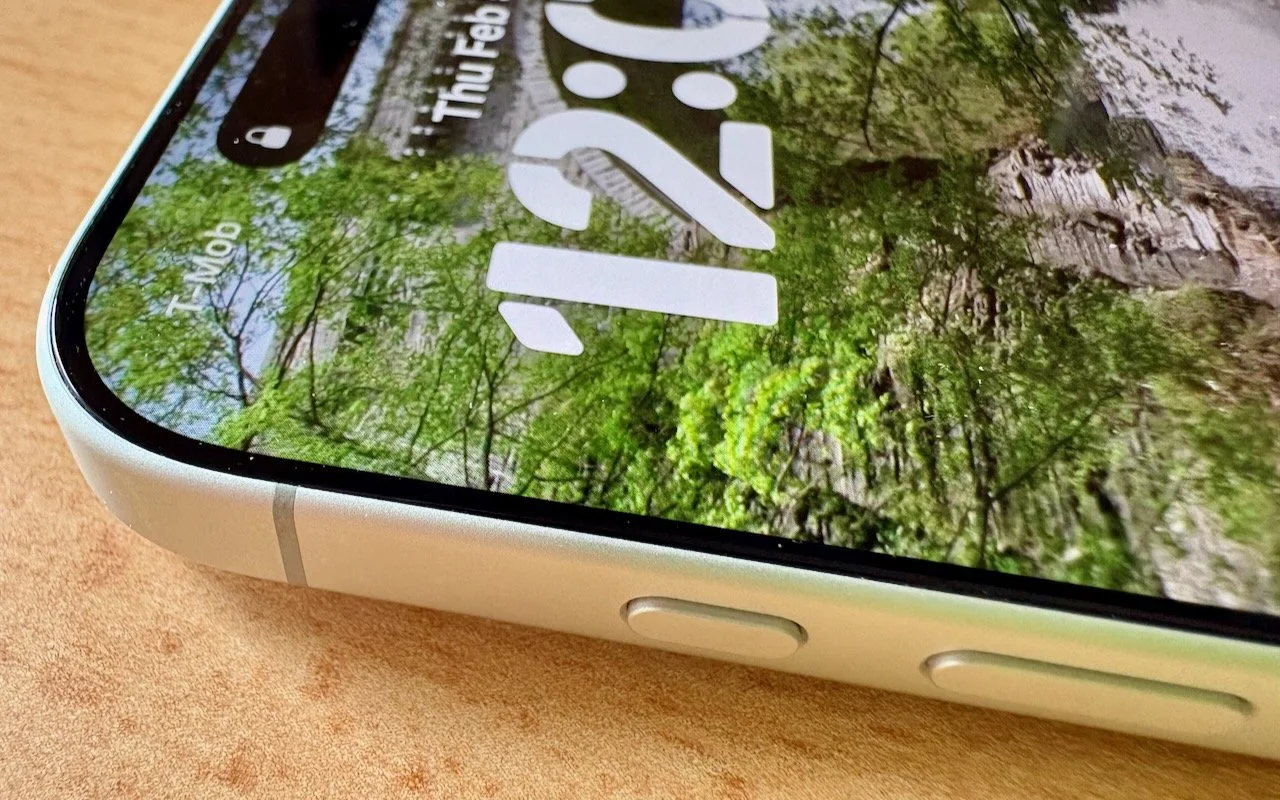
What Can You Do With the iPhone’s Action Button? Nearly Anything!
Your iPhone’s Action button can do much more than toggle Silent Mode. Try it for quick translations or voice memos—or explore the many options in Controls and Shortcuts to trigger nearly any action with a long press.

Five Invisible Characters That Still Matter in Word Processing and Layout
Spaces, tabs, and returns seem simple—but using the wrong invisible character can wreck your document’s layout. Learn when to use non-breaking spaces, tabs, and soft returns to create cleaner, more professional documents.