


Rocket Blog
Top Highlights

Category
- 1Password 1
- AI 6
- AirPods 2
- AirTag 1
- Apple Account 1
- Apple Intelligence 1
- Apple News 2
- Apple Pros 20
- Apple TV 1
- Apple Watch 2
- Apple Watch Series 12 2
- Apple Watch Ultra 4 2
- AppleScript 1
- Article 16
- Calendar 1
- ChatGPT 1
- Claude 2
- Explainer 5
- Finder 1
- Hardware 1
- HomePod 1
- How-To 4
- Image Playground 1
- Liquid Glass 1
- M5 Max 2
- M5 Pro 2
- M5 Ultra 1
- M6 2
- Mac 11
- Mac Studio 1
- Mac mini 1
- MacBook Pro 1
- MacOS 3
- Microsoft Office 365 1
- Monterey 1
- News 6
- PDF 1
- Photos 1
- Reminders 1
- Security 8
- Shortcuts 1
- Siri 1
- Software 5
- Solution 1
- Tip 4
- Tips & Tricks 11
- Vision Pro 1
- WWDC 1
- Web 1
- Web site 1
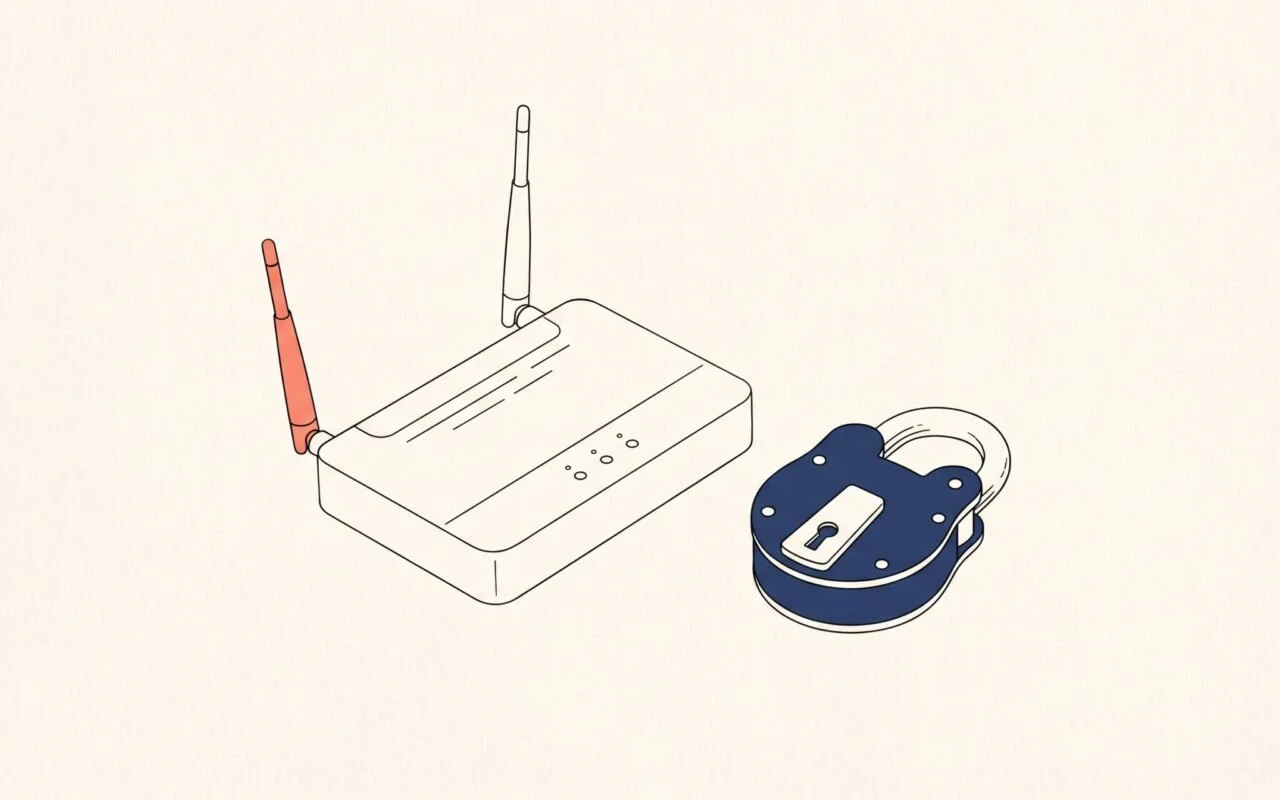
How to Prepare for a Wave of AI-Found Security Flaws
Experts expect AI to keep surfacing old software flaws, so security updates will come faster and matter more. Here’s how to tighten up your Apple devices, accounts, router, and website and steer clear of the scams that follow.

Apple Makes Its First Touchscreen Mac, Plus an M6 MacBook Pro and iMac
After 16 years of saying no, Apple has made a touchscreen Mac. It uses M5 chips, not M6, and costs $400 more than a matching model without touch. Here’s how to choose among Apple’s new Macs.

Check AI Skills and GitHub Projects Before You Install Them
AI skills and GitHub projects can hide risky instructions outside their descriptions. Here’s how to inspect the files, use ChatGPT or Claude as a second reader, and check the evidence before installing anything.
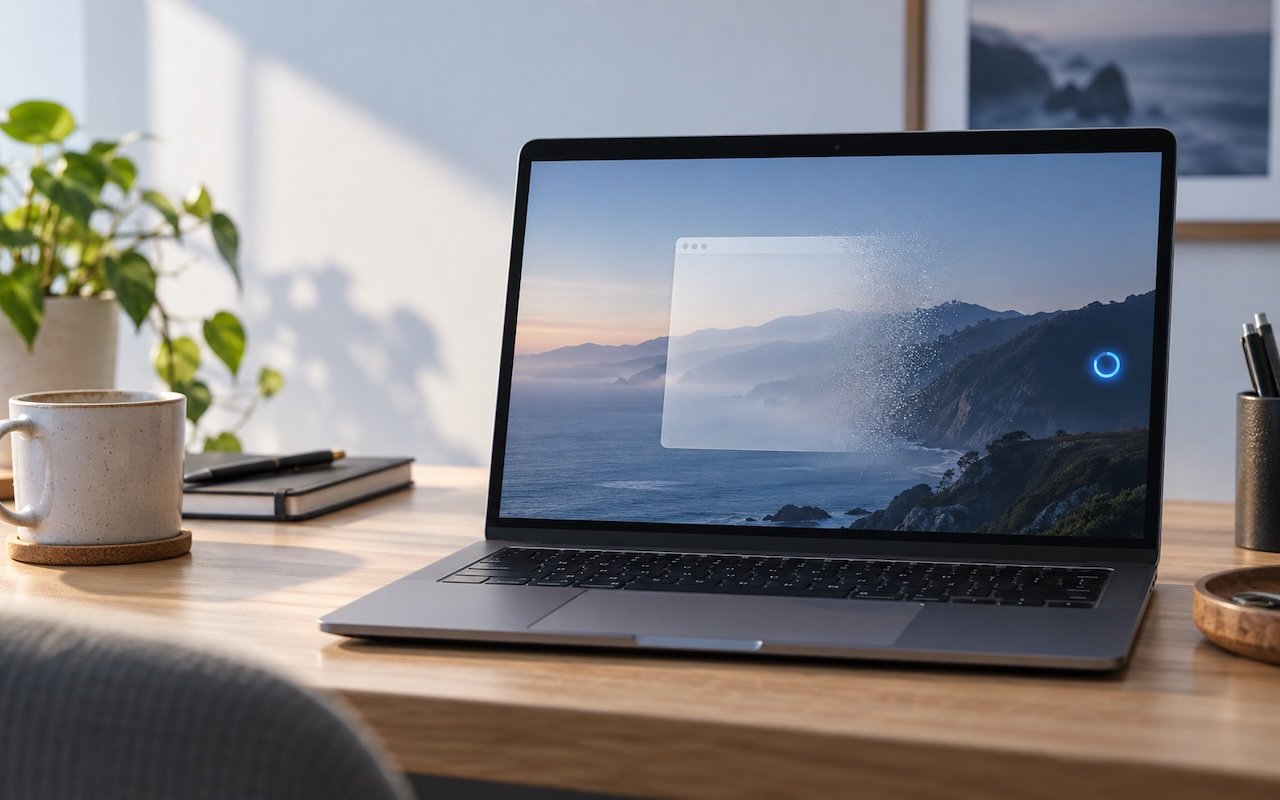
You Quit the App. Why Is It Still Running?
An app can keep working after you quit it. macOS 27 Golden Gate makes that background activity easier to spot, and gives you controls to stop it when it’s no longer useful.

Apple Updates Mac mini and Mac Studio with New M6 and M5 Ultra Chips
In a move designed to clear the decks in advance of the company’s September 9th iPhone and Apple Watch unveiling, Apple has refreshed its compact desktop Mac lineup with new chips, faster connectivity, and—unsurprisingly given the ongoing memory shortage—higher prices. The Mac mini receives the new M6 chip and M5 Pro, while the Mac Studio […]

Never Miss a Meeting Again with In Your Face
If you are often late to or miss meetings because Apple’s notifications are too easy to ignore, we recommend trying the In Your Face app. Available for the Mac, Windows, iPhone, iPad, and Apple Watch, In Your Face displays unmissable full-screen alerts and plays audible alarms for calendar events and timed reminders. Unlike standard notifications […]

Office 2019 for Mac Goes Read-Only on July 13, 2026
If you’re still using Microsoft Office 2019 for Mac, on July 13, 2026, an expiring certificate will cause your copies of Word, Excel, PowerPoint, and Outlook to enter “reduced functionality mode,” meaning you can view and print documents but cannot edit or create new ones. To check if you’re affected, open Word and choose Word […]

When Should You Upgrade Your Apple Devices?
The simple answer to “When should you upgrade?” is when your device no longer does what you need, or when you want something new. But that’s not helpful if you’re trying to make an informed decision—is there a sweet spot when it makes more sense to upgrade rather than squeeze another year out of your […]

Never Run AppleScripts from Untrusted Sources
The latest scam to watch out for is fake websites that try to get you to open Script Editor directly from your browser with a pre-filled AppleScript. Don’t do this! Security researchers at Jamf Threat Labs documented an attack where a convincing Apple-themed page claiming to help “reclaim disk space” prompted users to allow Script […]

Speed Up Mac and iOS Typing with Text Expansion
Silicon Valley thinks everyone wants to delegate writing to AI, which is why Apple Intelligence constantly suggests replies for you in Messages and Mail. But there’s an excellent way to supercharge your typing speed without sounding like a chirpy chatbot or resorting to teenage texting abbreviations: text expansion. Text expansion speeds up typing words or […]

Get to Your Files Faster by Choosing the Best Finder View
If you can work comfortably with the Mac’s four Finder views, you’ll enjoy an easier experience when you try to get to your folders and files. Each view has its pros and cons, so using the best view for the job at hand will make you more productive. Here’s a look at the Icon, List, […]